Level 3 - Computer Game Graphics
Pixel Art (2D Sprites, 3D isometric Sprites)
Pixel art can be used to create 2D and 3D sprites, however by using each pixel, you can create a simple flat object and then extend that object and make it a bit more complex using isometric dimensions.

Concept Art
Concept art is used to generate ideas like, characters, buildings, backgrounds, weapons, environments and more. This is the initial starting point for creating a game idea, as it will help you to build your ideas.

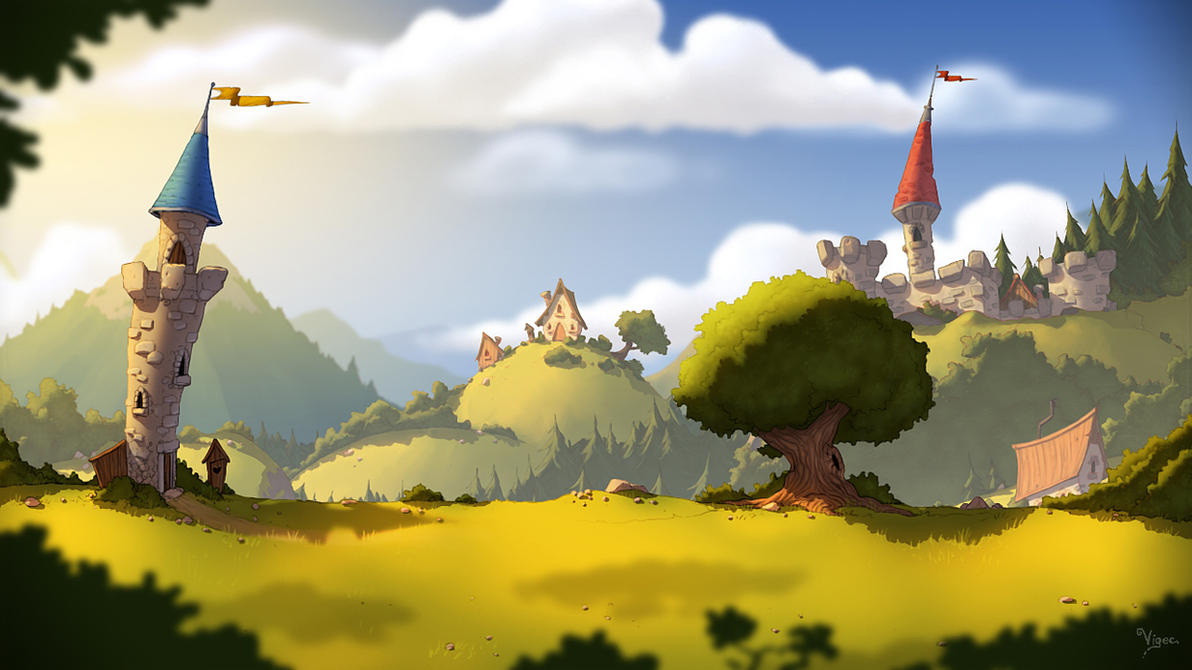
Background
Background is very important in a game, it gives the feel of a location. It can be walls, forest, villages, cities, and more.
In-game Interface
It is a health bar and statistics of the player character. It shows how much health/mana the play has etc. It also shows your scoring levels.

Texture Art
It is the look of how something feels. This can be done by designing the object and using colour shading to give an effect on a object. This can be done using computer software.

Print Media
It is information that goes into game advertising. The packaging and the manual of the game cover all the details a person would need.


No comments:
Post a Comment